


How to track your order
Once your payment is in, you can check your order at any time through the link in your confirmation email. We pack within 1–2 working days and email you the tracking number when the parcel leaves.
4 steps · Updated 15 Nov 2026
Step 1
Open the link in your email
After you pay, we email you a confirmation. Its link opens your order page, which shows where your order is.
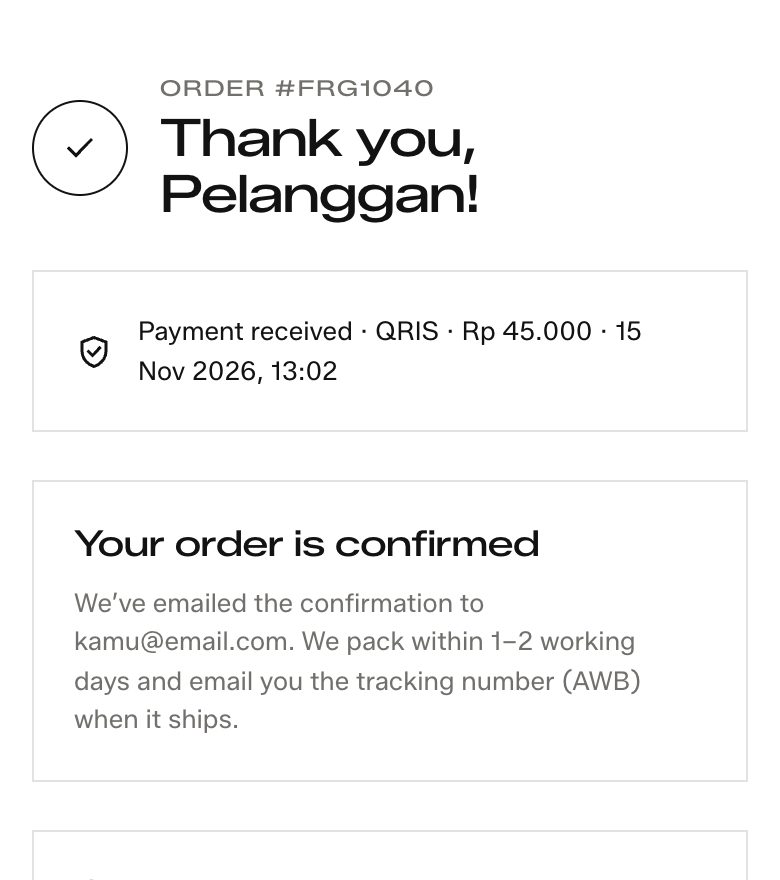
Step 2
Packed
We pack your order within 1–2 working days of your payment. The status moves to Packed.
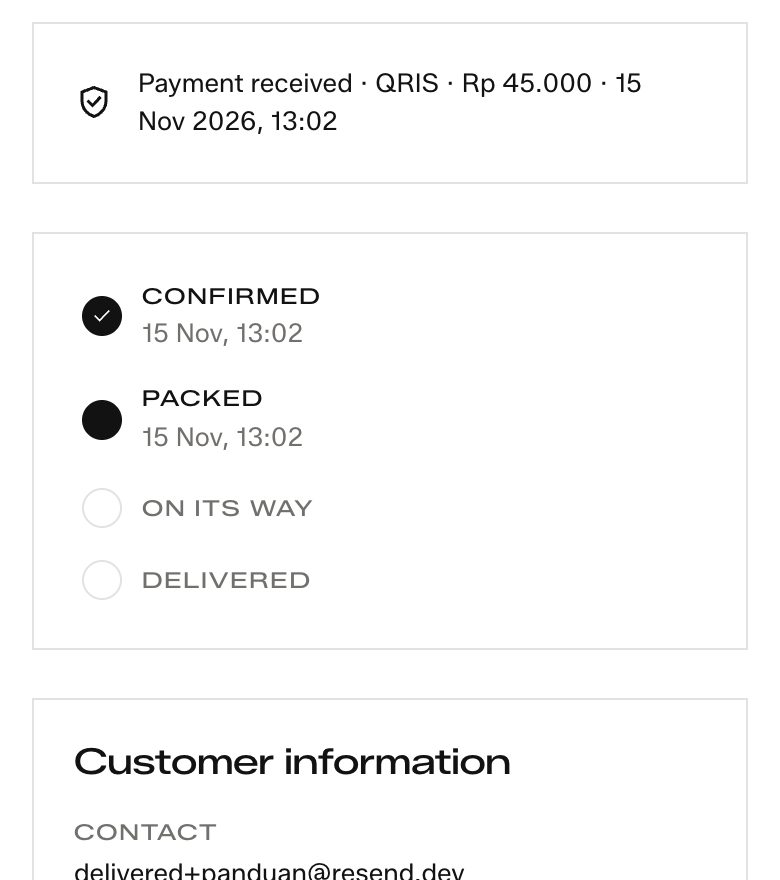
Step 3
On its way: check the tracking number
When the parcel leaves, we email you the tracking number. The order page shows it too, with the courier. Track the parcel on the courier’s website.
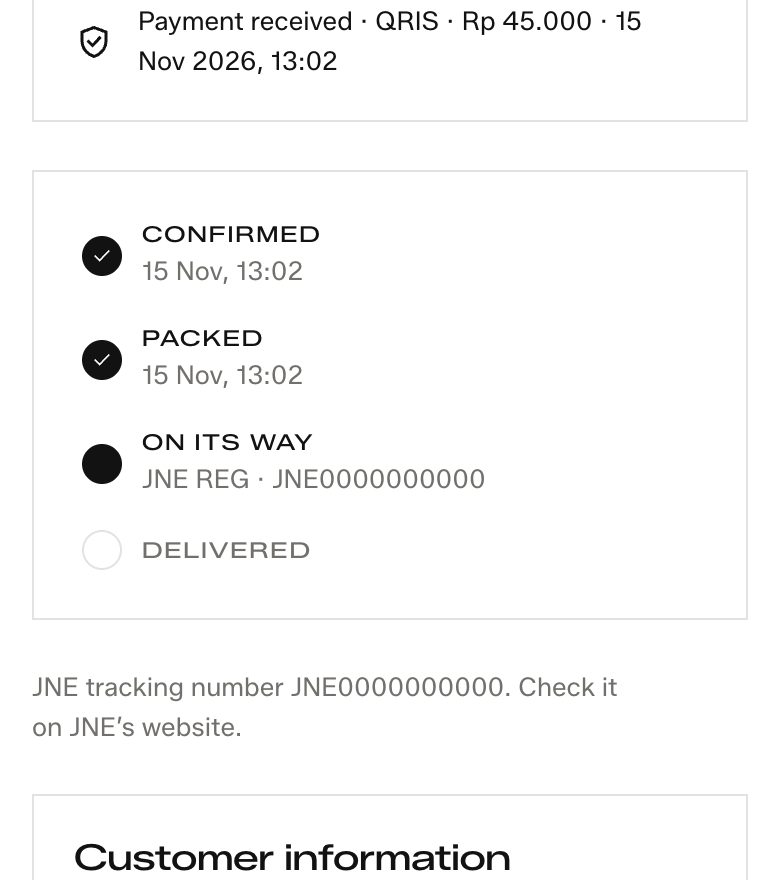
Step 4
Every order in your account
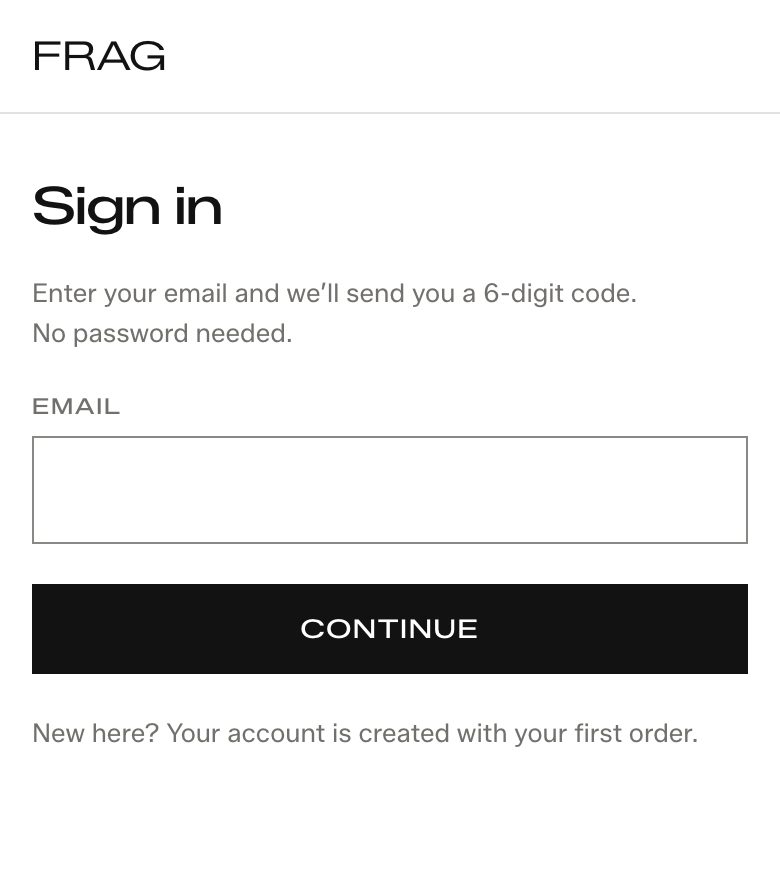
Sign in with the email you checked out with to see all your orders and their tracking. We send a 6-digit code, so you don’t need a password.
More guides
Still unsure? Ask an advisor (we reply within one working day).