


How to shop at FRAG
You can shop at FRAG right in your browser, no app needed. Pick a perfume and a size, add it to your bag, then pay at checkout. Want to try the scent first? Choose a 3 ml decant.
5 steps · Updated 15 Nov 2026
Step 1
Find a perfume
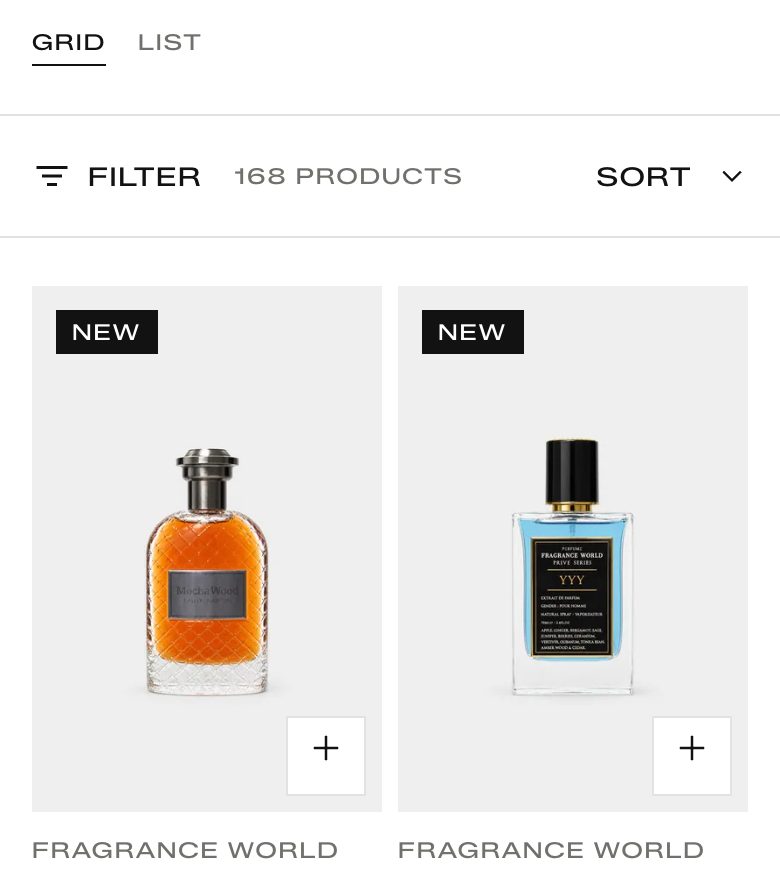
Open All perfumes. Tap Filter to choose a brand, scent family or price range, then tap a perfume to open its page.
Step 2
Choose a size
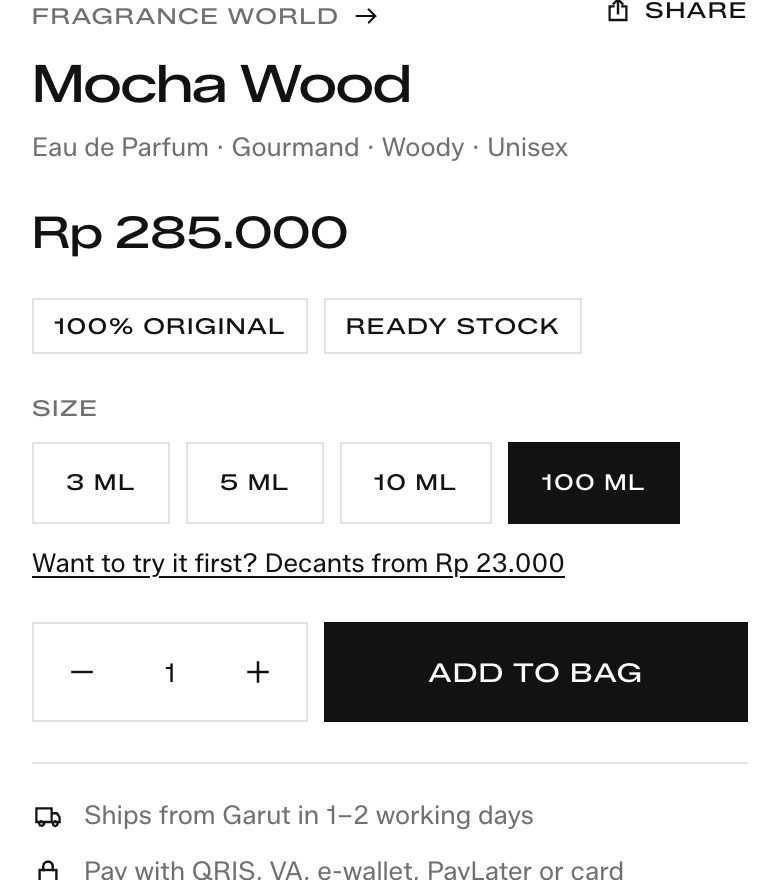
Tap 3 ml, 5 ml, 10 ml or the bottle size. The price changes with the size you pick.
Step 3
Add it to your bag
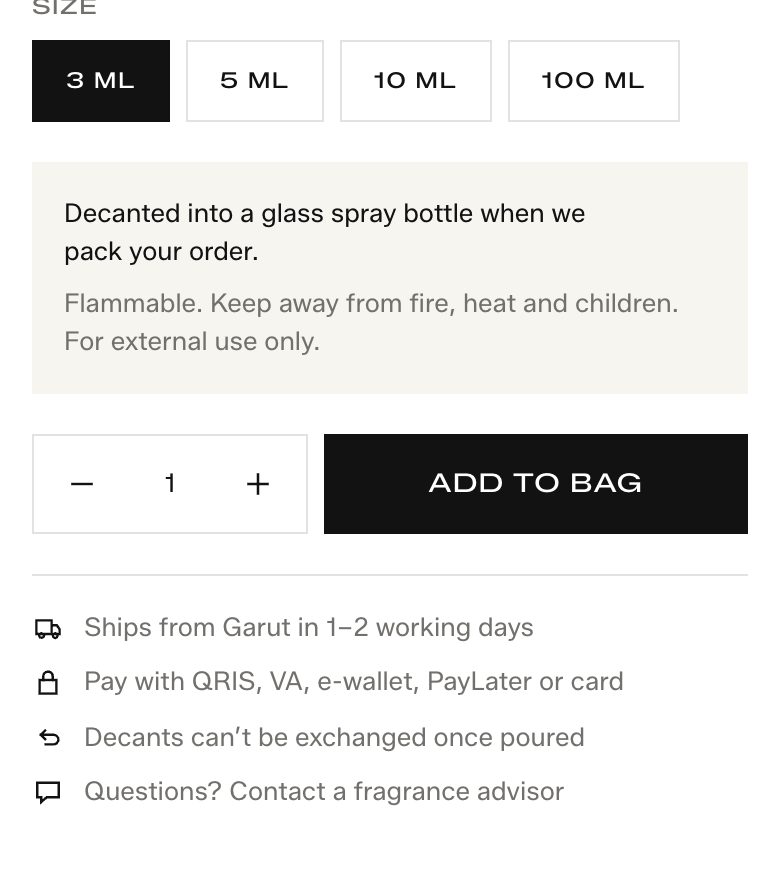
Set the quantity with − and +, then tap Add to bag.
Step 4
Check your bag, then check out
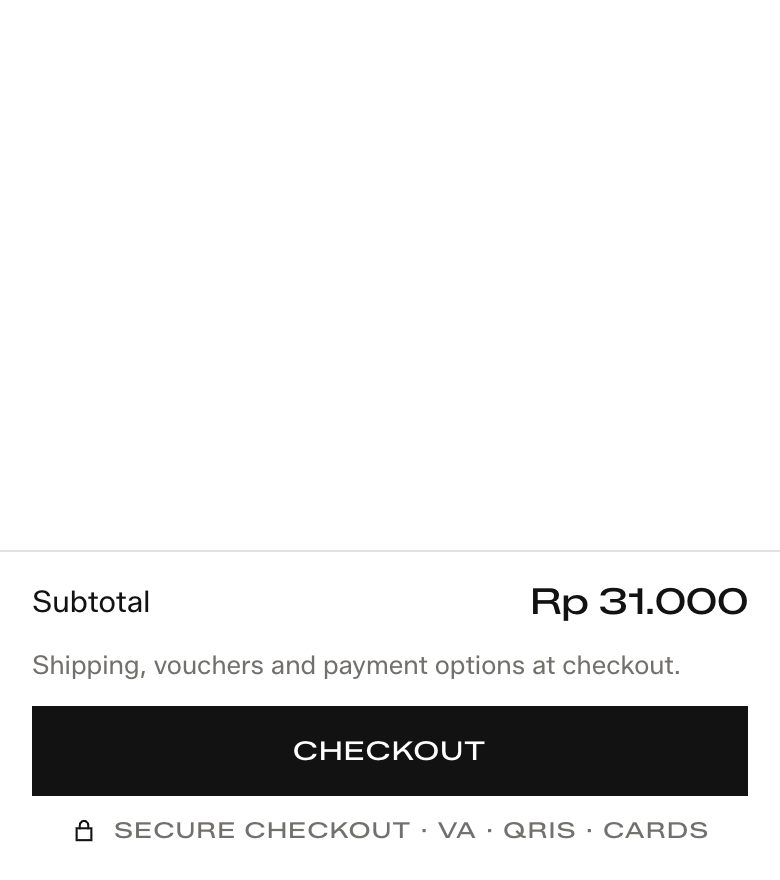
Your bag opens from the right. Check what is in it, add gift wrapping if you like, then tap Checkout.
Step 5
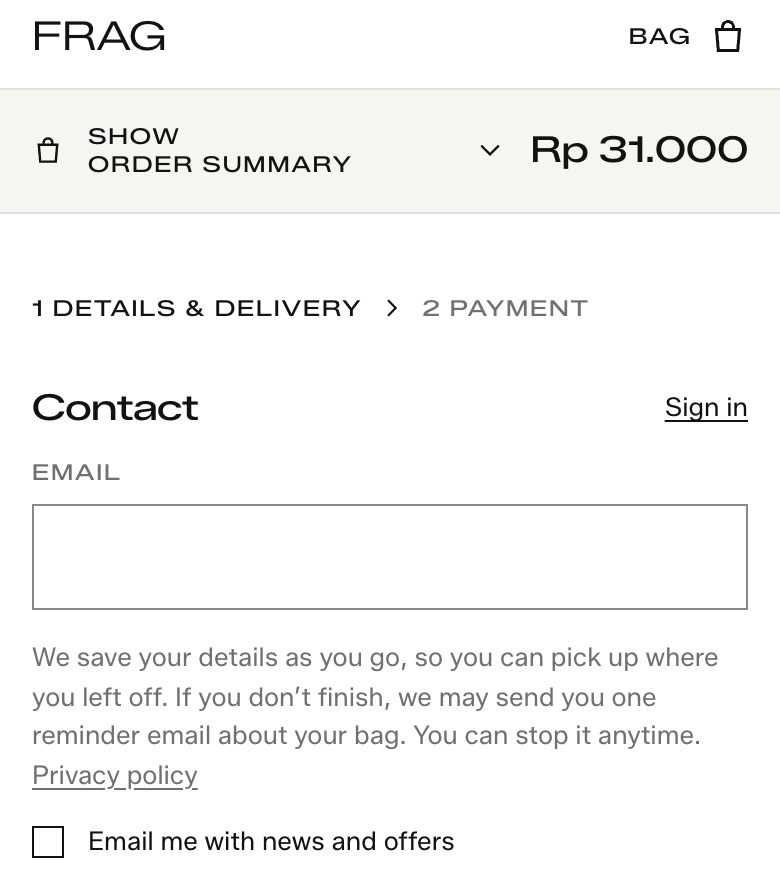
Fill in your details and pay
Enter your email and delivery address, choose a courier, then go on to payment. You can pay by QRIS, virtual account, e-wallet, at a minimarket or by card.
More guides
Still unsure? Ask an advisor (we reply within one working day).