


How to add perfumes to your collection
Your collection keeps the perfumes you own or have tried. What you buy at FRAG is added for you; anything else you can add yourself. From the notes we suggest perfumes you may like.
3 steps · Updated 15 Nov 2026
Step 1
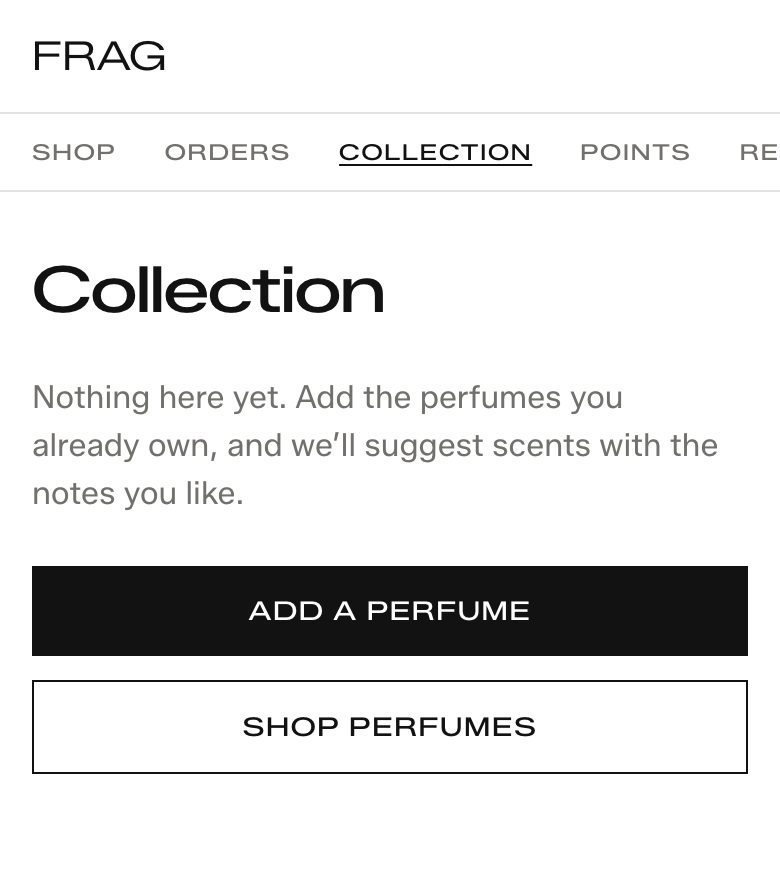
Open Collection and tap Add perfume
Open Account › Collection, then tap Add perfume.
Step 2
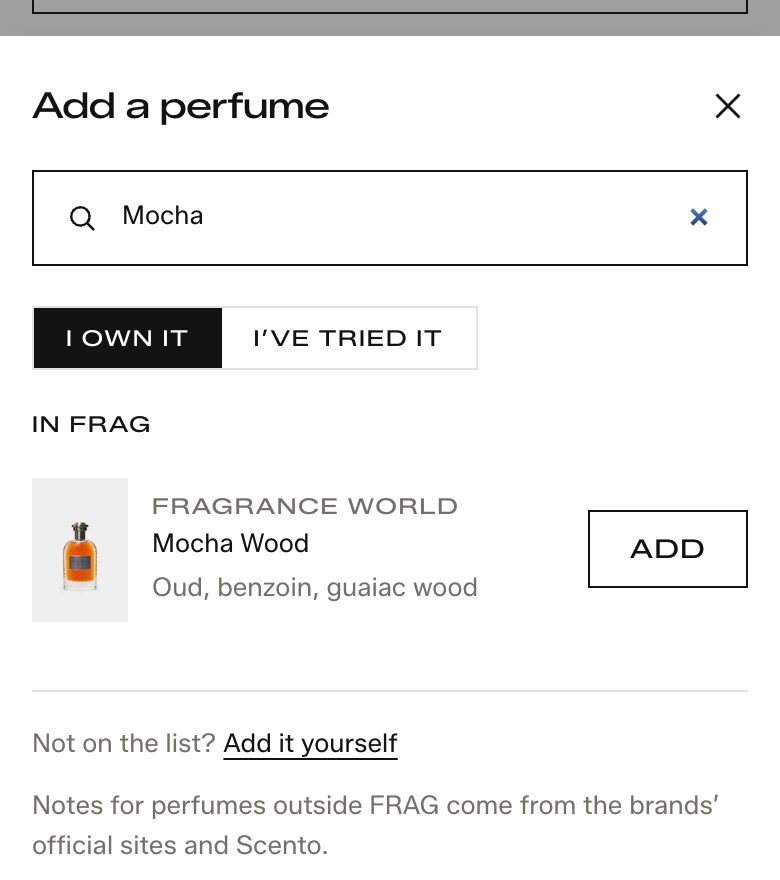
Search for the perfume
Type the perfume or brand name, at least 2 letters. Choose Own it or Tried it, then tap Add.
Step 3
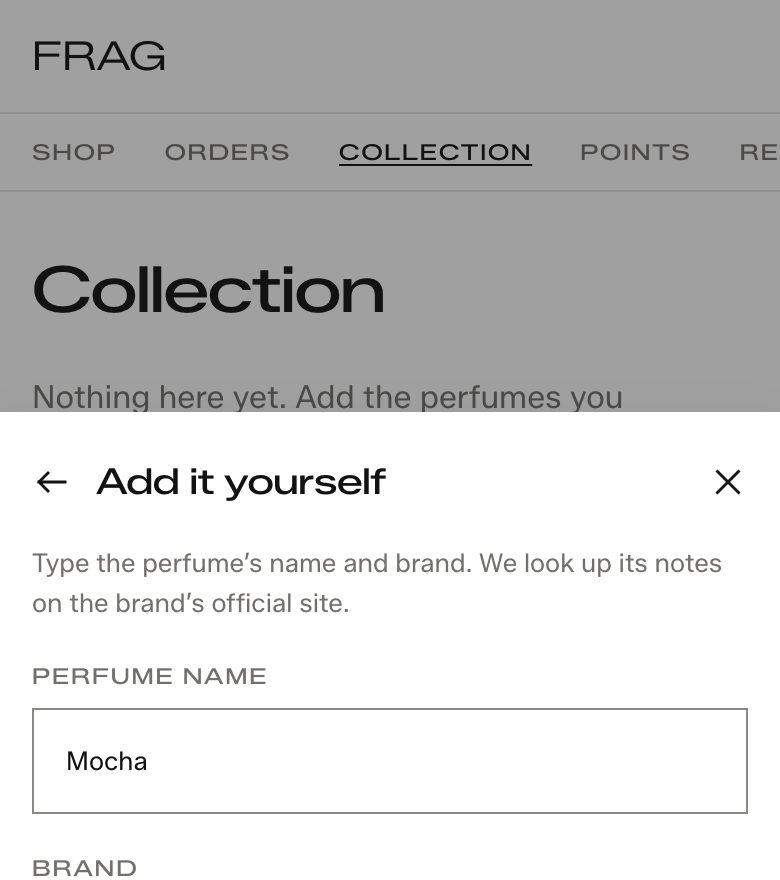
Not in the list? Add it yourself
Tap Add it yourself, type the perfume name and the brand, and save. We fill in its notes later; until then it says Notes coming.
More guides
Still unsure? Ask an advisor (we reply within one working day).